
Initialize/Update D1 Database
Create Database
Open the Cloudflare console, select Workers & Pages -> D1 -> Create Database, and click to create the database
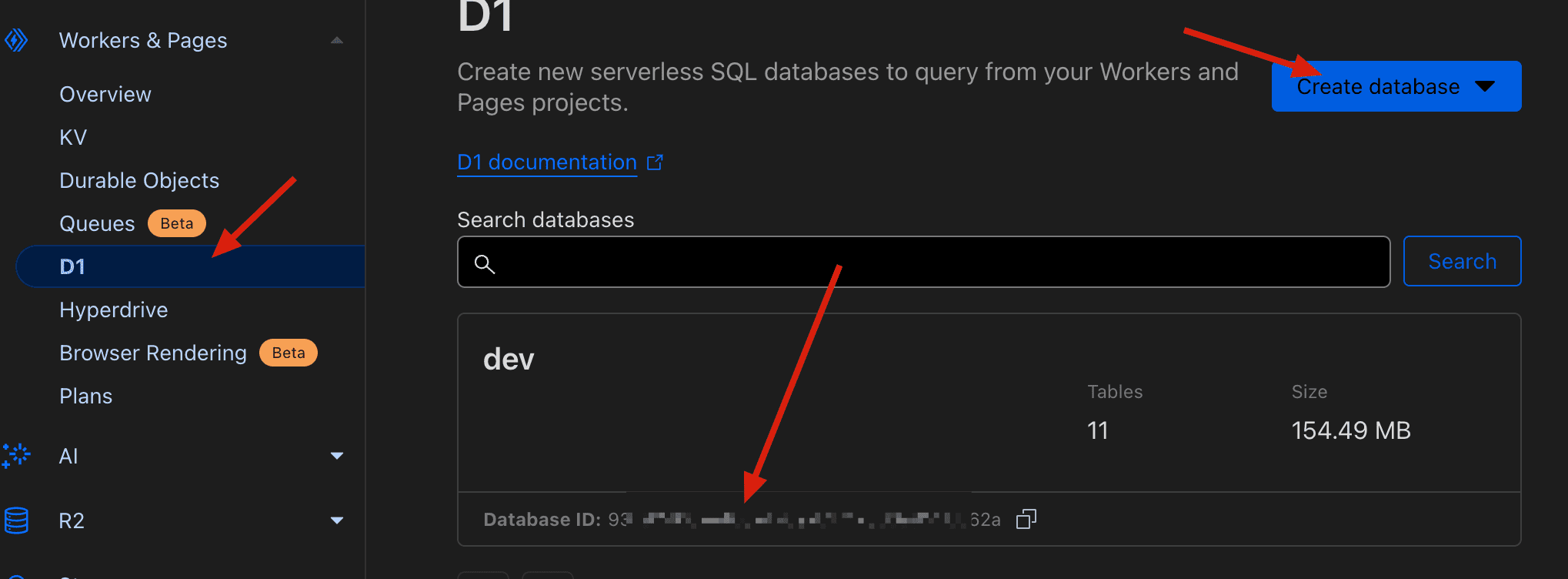
After creation, you can see the D1 database in the Cloudflare console and obtain the database name and database ID
Initialize Database
After deployment is complete, go to the admin page's Quick Setup -> Database section and click the Initialize Database button to initialize the database
Update Database Schema
Refer to Update D1 via Command Line or Update D1 via UI